
















Infor CPQ 2025.10 Release: October Update Highlights
The Infor CPQ 2025.10 October Update is live, bringing powerful new enhancements across quoting, configuration, and deployment. This Infor CPQ update focuses on performance, usability, and cloud readiness, helping teams work smarter and faster across Infor Enterprise Quoting and Configuration Designer.
This guide outlines everything you need to know about the Infor October Update, including key release highlights and how these changes can benefit your business.
General Release Notes: What’s New in Infor 2025.10?
The Infor CPQ 2025.10 release continues Infor’s investment in cloud-first, multi-tenant architecture. Current deployments are available in these regions:
- US East
- Frankfurt
- London
- Montreal
- Sydney
While language support remains consistent, this version delivers major improvements in translation management, making global deployment smoother than ever.
Other key updates include:
- The industry process catalog remains unchanged for this cycle.
- Performance enhancements in Enterprise Quoting build on the progress made in earlier 2025 updates.
These changes reflect Infor’s ongoing effort to strengthen reliability and scalability across its cloud solutions.
Enterprise Quoting Enhancements: What’s Improved?
The Infor CPQ October 2025 release introduces several enhancements designed to streamline quoting and approvals in Infor Enterprise Quoting.
Sales Portal → Enterprise Quoting Migration Enhancements
A new enhancement to the Sales Portal–to–Enterprise Quoting migration process now makes it possible to re-migrate and update master data that was previously transferred. Previously, once data was moved, any corrections or updates required manual workarounds. With this improvement, teams can now easily refresh existing records in Enterprise Quoting, providing far greater flexibility in maintaining accurate, up-to-date master data.
Quote Performance Enhancements
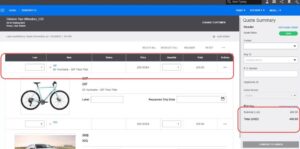
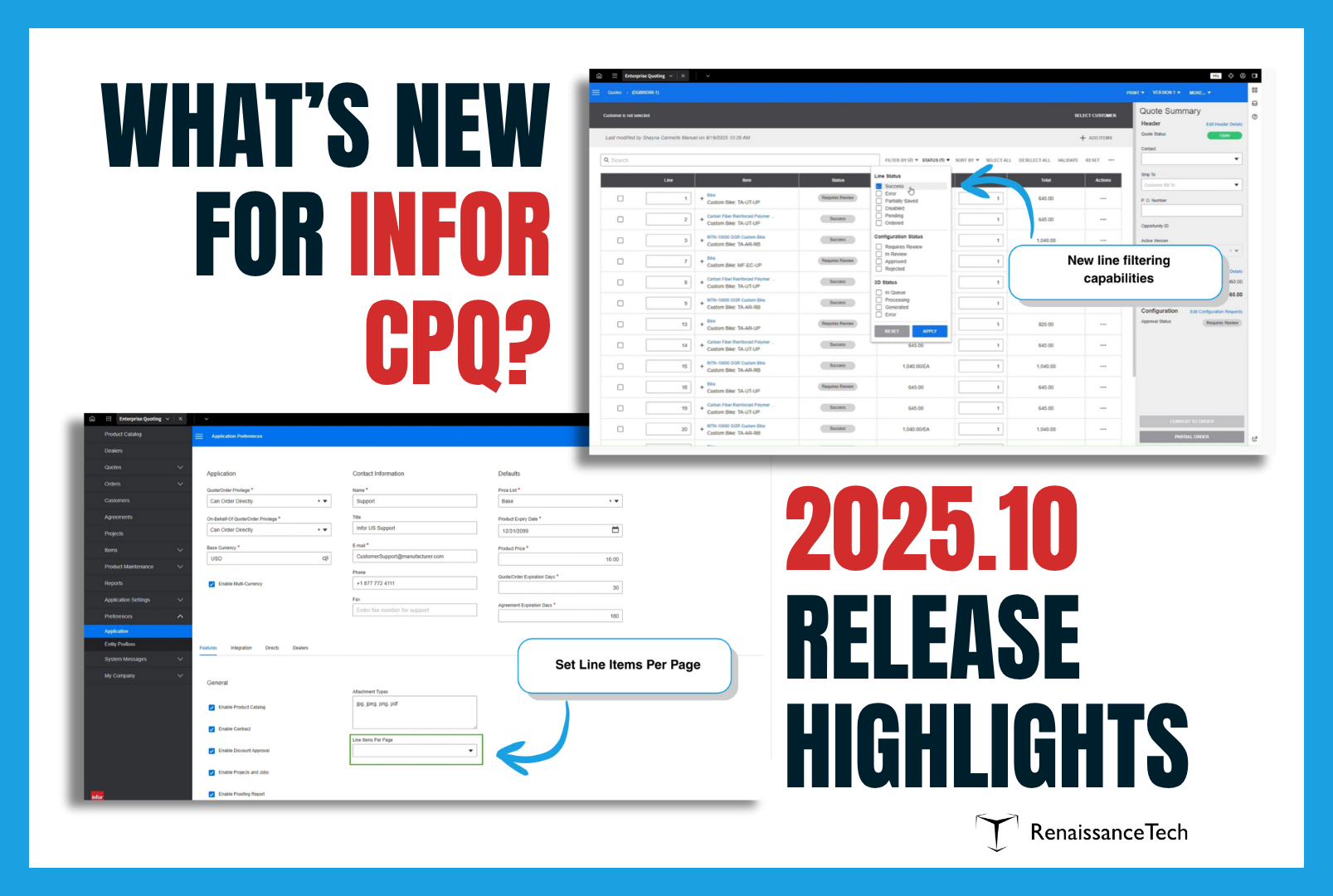
Large quotes (100–300 lines) now load faster and are easier to navigate thanks to:
- Line paging for improved performance
- Advanced filtering and search tools
- Broader support across contracts, quotes, and orders
Background Report Generation
A new “Generate Document” button allows background document creation. Users receive a notification once files are ready, with options to download, open, or access from the document list — improving speed and usability.
Discount Authority for Pricing Approvals
This new feature enables creation of tiered approval workflows streamline discount management. Users can create new discounting approval tiers based on a user’s role and profile. This allows more freedom in determining which roles can approve, and up to what level that role is permitted to discount. The Enterprise Quoting administrator determines the percentages. For example:
- Managers: up to 25%
- Directors: up to 50%
- CEOs: up to 70%
Requests exceeding thresholds automatically escalate, ensuring approvals remain compliant while maintaining quoting velocity.
Configuration Designer Enhancements in Infor 2025.10
The Infor Configuration Designer updates in the 2025.10 release significantly improve flexibility, translation management, and deployment.
Configuration Designer Support for Profiles
Configuration Designer now supports Profiles directly, removing the need to switch to Design Studio. Admins can manage profiles within the same workspace and easily export them between environments, making setup and maintenance faster and more efficient.
Translations for Enterprise Configurator
Creating multilingual experiences in Enterprise Configurator just got easier. Administrators can now manage all language-specific translations for customer-generated text in one place, including rules, messages, and option lists. Translations can be exported as CSV files for use with translation or AI tools, and the runtime UI automatically adapts to the user’s browser or portal language for a seamless experience.
- Export complete rulesets to CSV for AI or Excel translation
- Import translated version directly back into Configuration Designer
- Enable language overrides to match portal or browser settings
Configuration Designer UI/UX Improvements
Enhanced usability includes:
- Clearer browser tab visibility for simulators
- Reduced whitespace in rule sets for better readability
- Direct linking to referenced objects (layouts, matrices, option lists, etc.) without losing context
Local Packages for Configurator Content
The new Local Packages feature in Configuration Management simplifies moving configurator content between workspaces. Users can now bundle and deploy reusable content packages without manual uploads, speeding up workspace setup and cutting down on repetitive tasks.
Rapid Option Rulesets
Rapid Option Rulesets simplify configuration logic by allowing V2 rulesets to run directly within the Rapid Option Control (ROC). This eliminates duplicate logic between rulesets and constraint models, reducing maintenance effort and speeding up rule creation for Enterprise Quoting.
UI Design Flexibility for Configurable Products
Configuration Designer now gives users more control over how configurable product UIs look and feel. With new tools for building custom layouts and stylesheets, teams can personalize interfaces without developer help. This added flexibility allows for branded, user-friendly designs while reducing cost, complexity, and deployment time.
Additional CPQ Features and Integrations Enhancements
In addition to those we’ve highlighted above, the Infor CPQ 2025.10 release adds these enhancements:
- Upgrade Workbench, Deployments, and Data Catalog to use IDS New Light Theme
- Workbench deployments and the Data Catalog now adopt the IDS light theme, ensuring a consistent experience across all Infor applications.
- Navigate to Objects Referenced in a Ruleset
- Rules writers can nw quickly navigate to any object referenced within a ruleset, such as layouts, stylesheets, or option lists, without manual searching. This direct navigation streamlines development, speeds up authoring, and makes configuration maintenance much more efficient.
- Autodesk Inventor Add-In Compatibility: Updated for Inventor 2024+ versions.
Why the Infor October Update Matters
The Infor October Update 2025.10 reinforces Infor’s commitment to continuous improvement, offering:
- Faster quoting through optimized navigation and approvals
- Smarter translation workflows for global deployments
- Seamless configuration management across tenants
- Secure, flexible pricing approvals
For Infor CPQ users, this means improved performance, scalability, and end-user experience within the Infor cloud environment.
Looking Ahead: Get the Most from Your Infor CPQ Update
At RenaissanceTech, we help manufacturers leverage every Infor CPQ update to its fullest. Our team specializes in maximizing ROI from Infor Enterprise Quoting, Configuration Designer, and related integrations.
Do you have questions about the release or need assistance applying updates? Contact us to schedule a consultation.