


















I NEED
Product Visualization (2D/3D)
Buyers make decisions faster when they can see what they're buying. Static product images and spec sheets ask customers to imagine the end result. A visual CPQ lets them see it, configure it, and buy it with confidence and a buying experience that sets you apart from competitors.
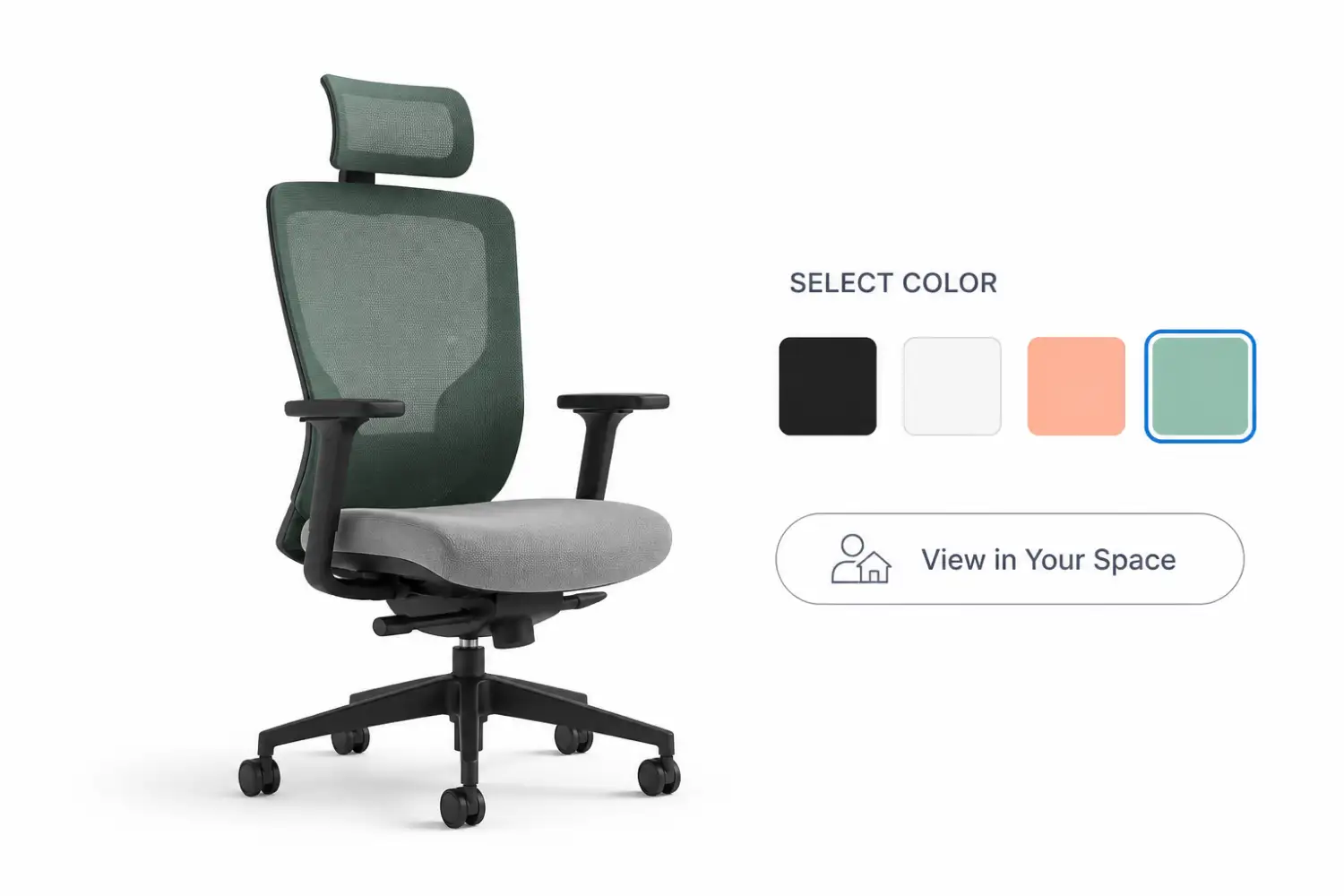

What Visual Configuration Changes for Buyers
When buyers can interact with a 3D rendering of your product, rotate it, change options, and see the result update in real time, the gap between interest and order closes. They're not guessing what they're getting. They're seeing it.
The Impact
THE PROBLEM
A Subpar Digital Buying Experience Costs You Sales
Manufacturing products are complex. When a buyer can't visualize exactly what they're getting, they hesitate. They ask more questions, request samples, or walk away. Every friction point between interest and order is an opportunity for a competitor to step in.
Who We Help
THE SOLUTION
A Visual CPQ Sets Your Products Apart
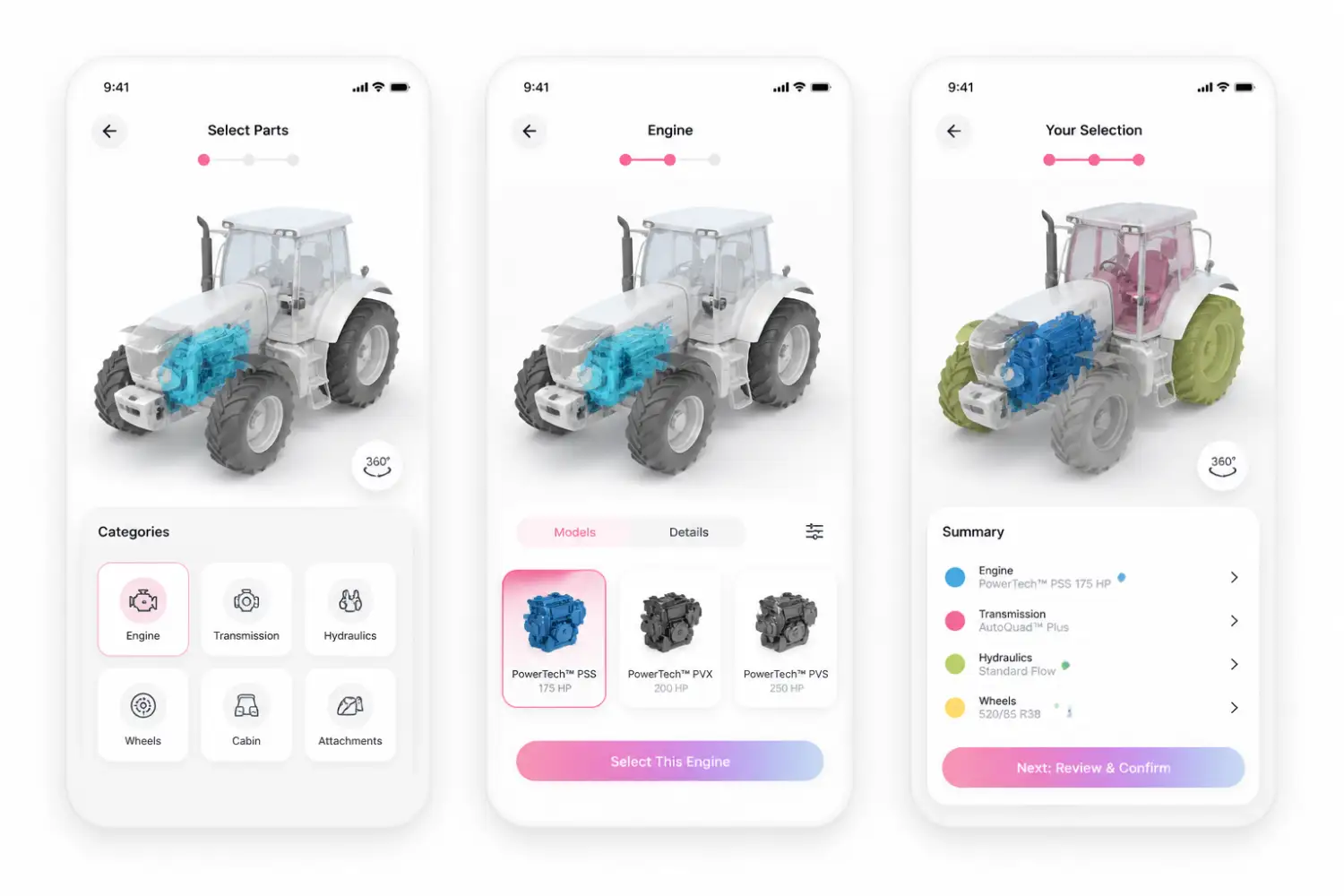
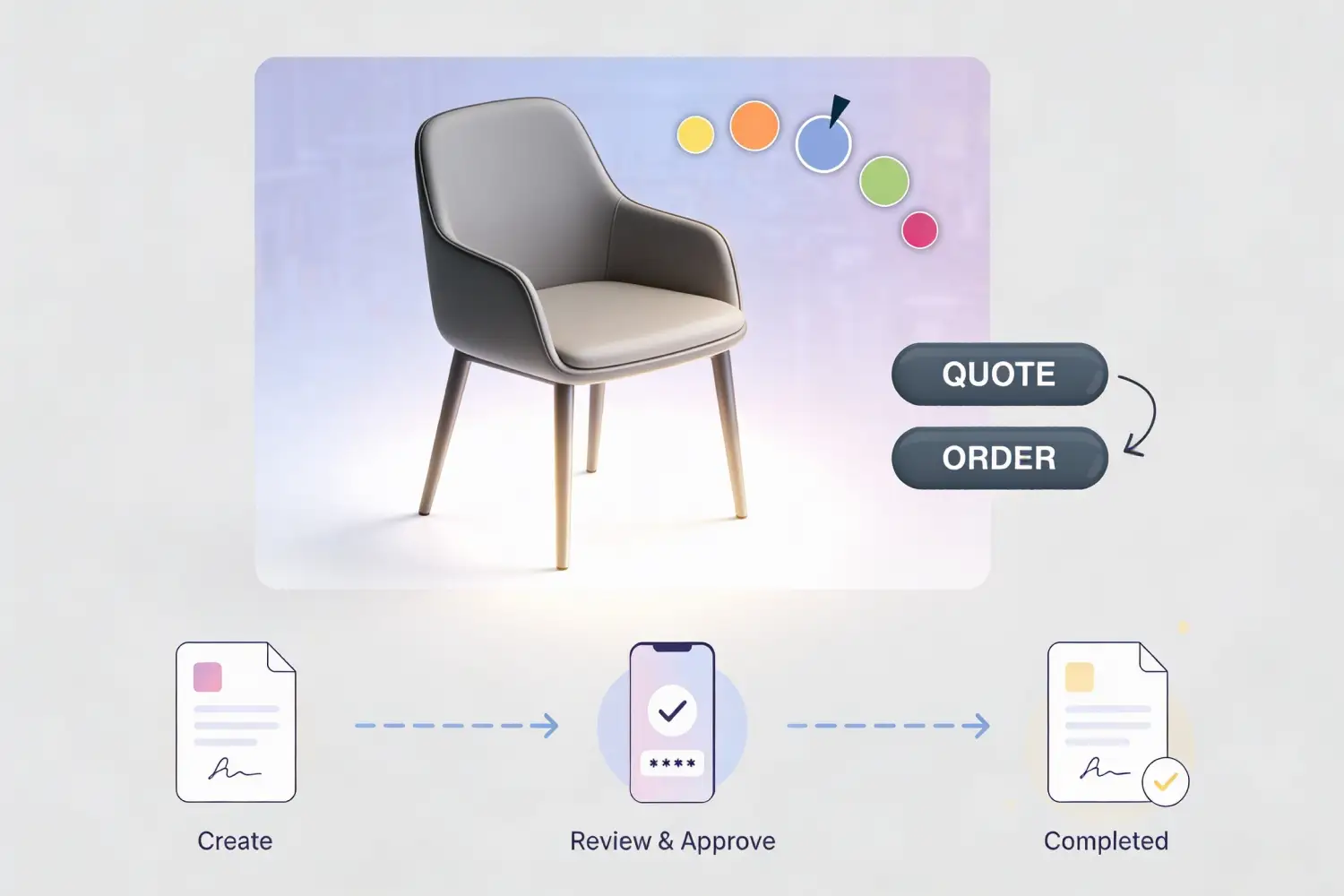
Providing a configurable visual engagement gives buyers an interactive experience with your products. 2D and 3D renderings update as configuration choices are made. Augmented reality lets buyers place the product in their own environment. CAD outputs give engineering teams the data they need downstream. Every format is connected to the same configuration logic, so what buyers see is always accurate.
Who We Help
How Visual Configuration Works in CPQ
Visual configuration in Infor CPQ is driven by the same rules engine that governs the rest of the quoting process. When a product is set up in CPQ, 3D models, 2D drawings, or CAD files are mapped to the configuration options — finishes, dimensions, components, assemblies. As a user makes selections, the system references those mappings and renders the correct visual output automatically.

Models & Visuals are Mapped to Configuration Options
During implementation, your product's 3D models, 2D drawings, or CAD files are connected to the relevant configuration attributes in Infor CPQ. Each option combination has a corresponding visual output defined.

Selections Drive the Visual in Real Time
As the buyer or rep works through the configuration, the visual updates automatically with every choice. The rendering reflects the exact current configuration state, not a generic product image.

Output Matches What Gets Built
Because the visual is generated from the same configuration logic that produces the quote and the order, what the buyer sees is always accurate and always aligned with what can actually be manufactured. Fewer questions, fewer revisions, fewer errors downstream.
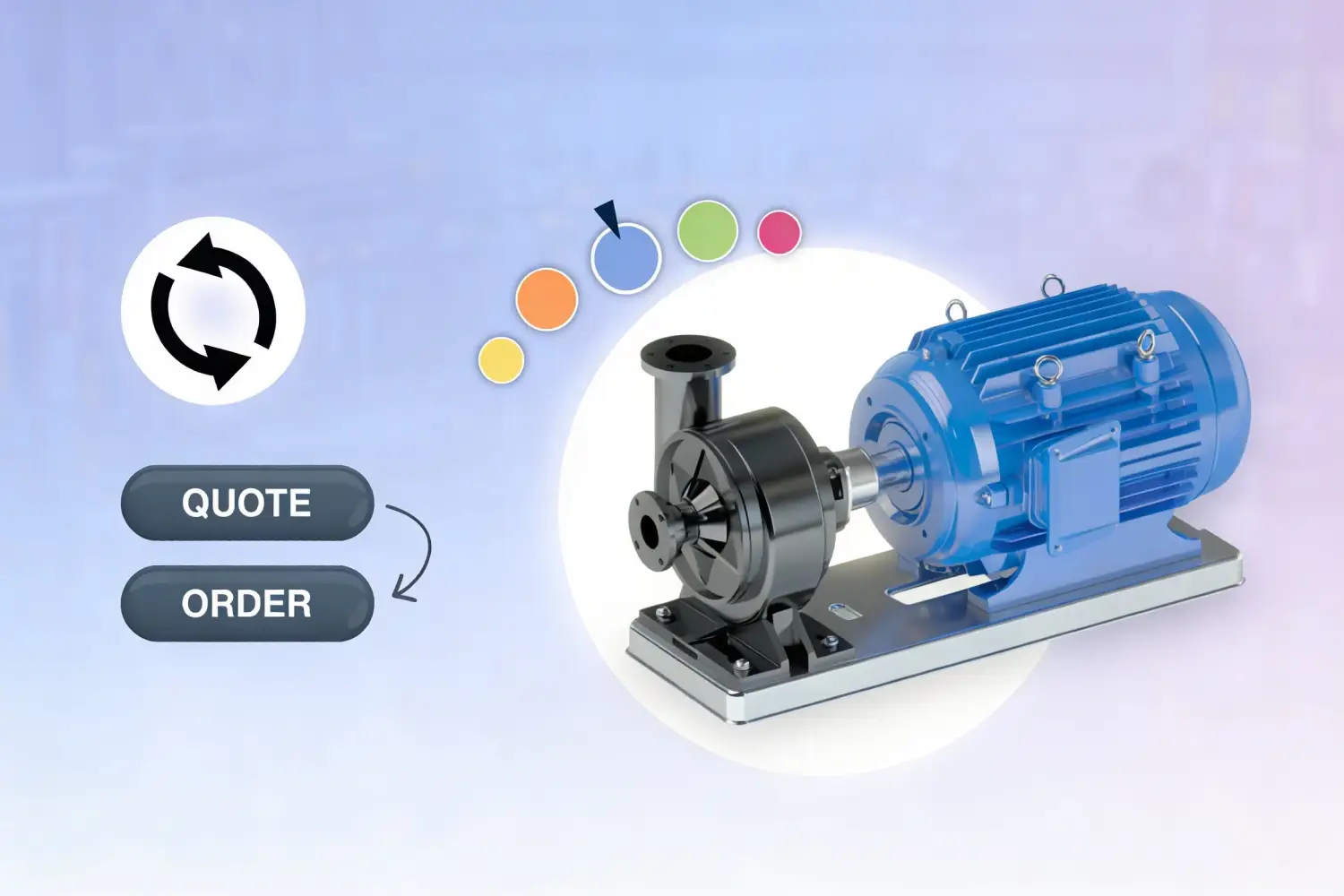
Interactive 3D Configuration
Buyers interact with a real-time 3D rendering of your product as they configure it. Options, finishes, and features update visually with every selection, giving buyers a complete picture before they commit.
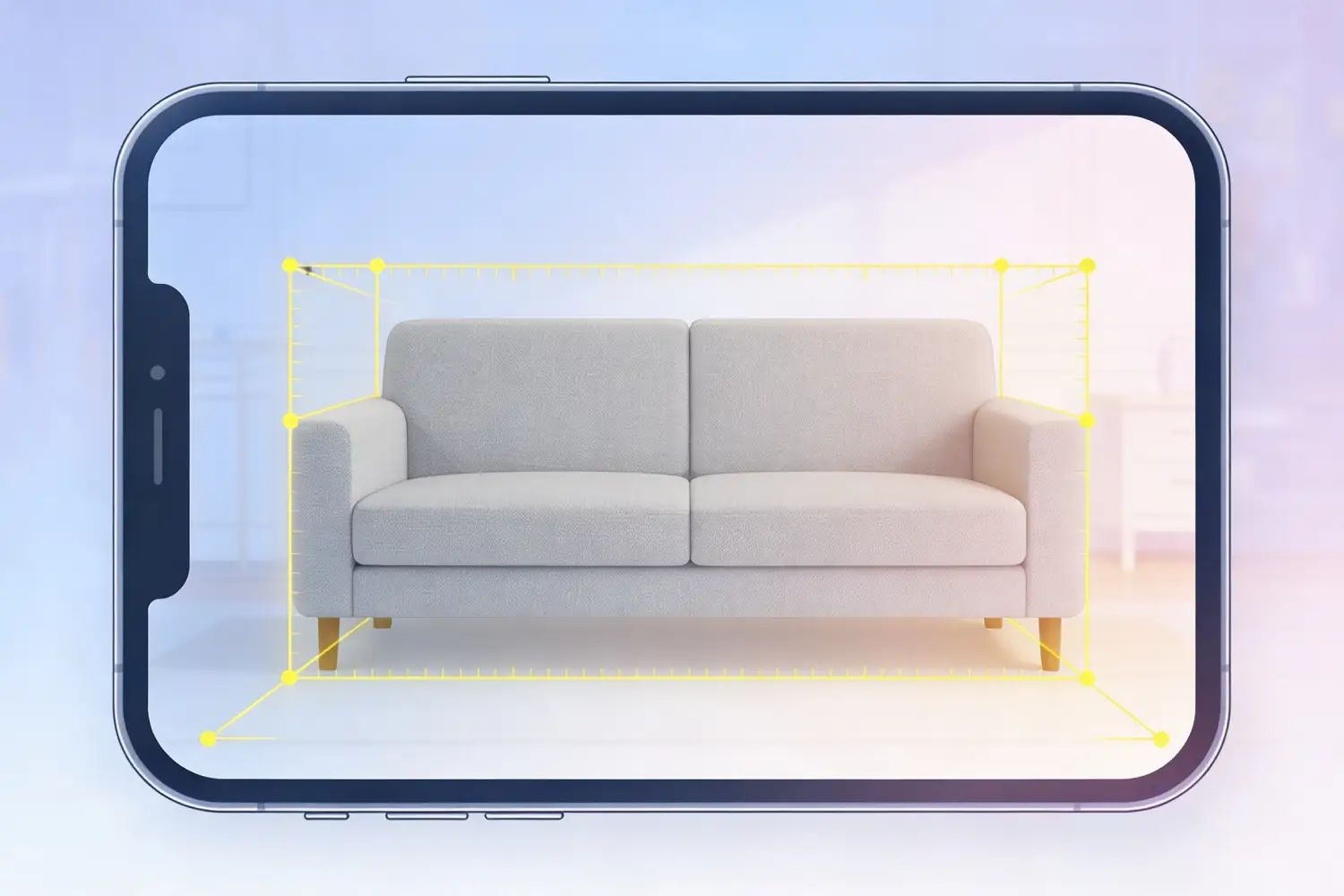
Augmented Reality
Buyers can place your configured product in their own environment using augmented reality on any mobile device, eliminating uncertainty about fit, scale, and appearance.
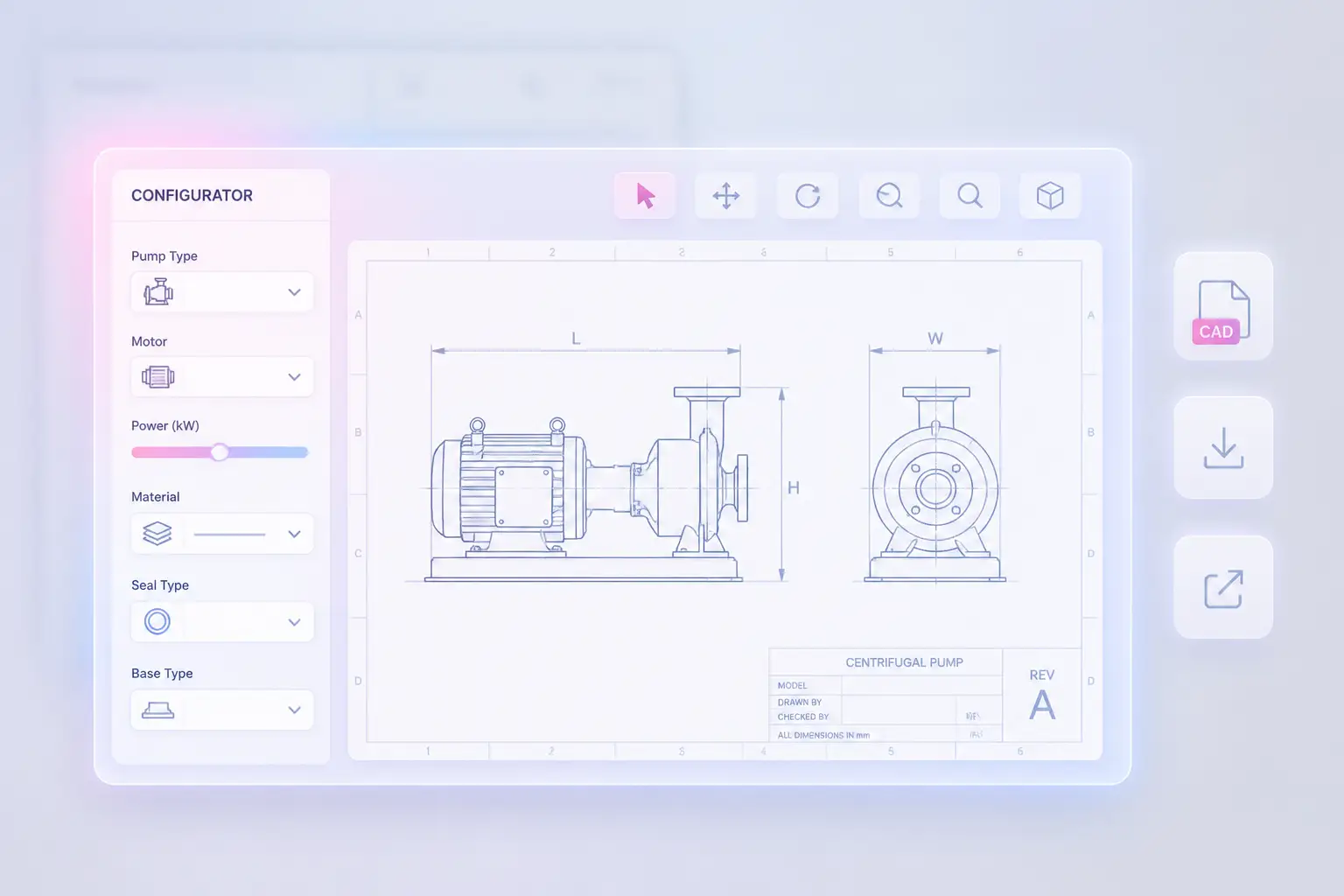
2D Technical Drawings
Accurate 2D drawings are generated automatically from the configuration. Engineering teams get the technical output they need without a separate drafting step.
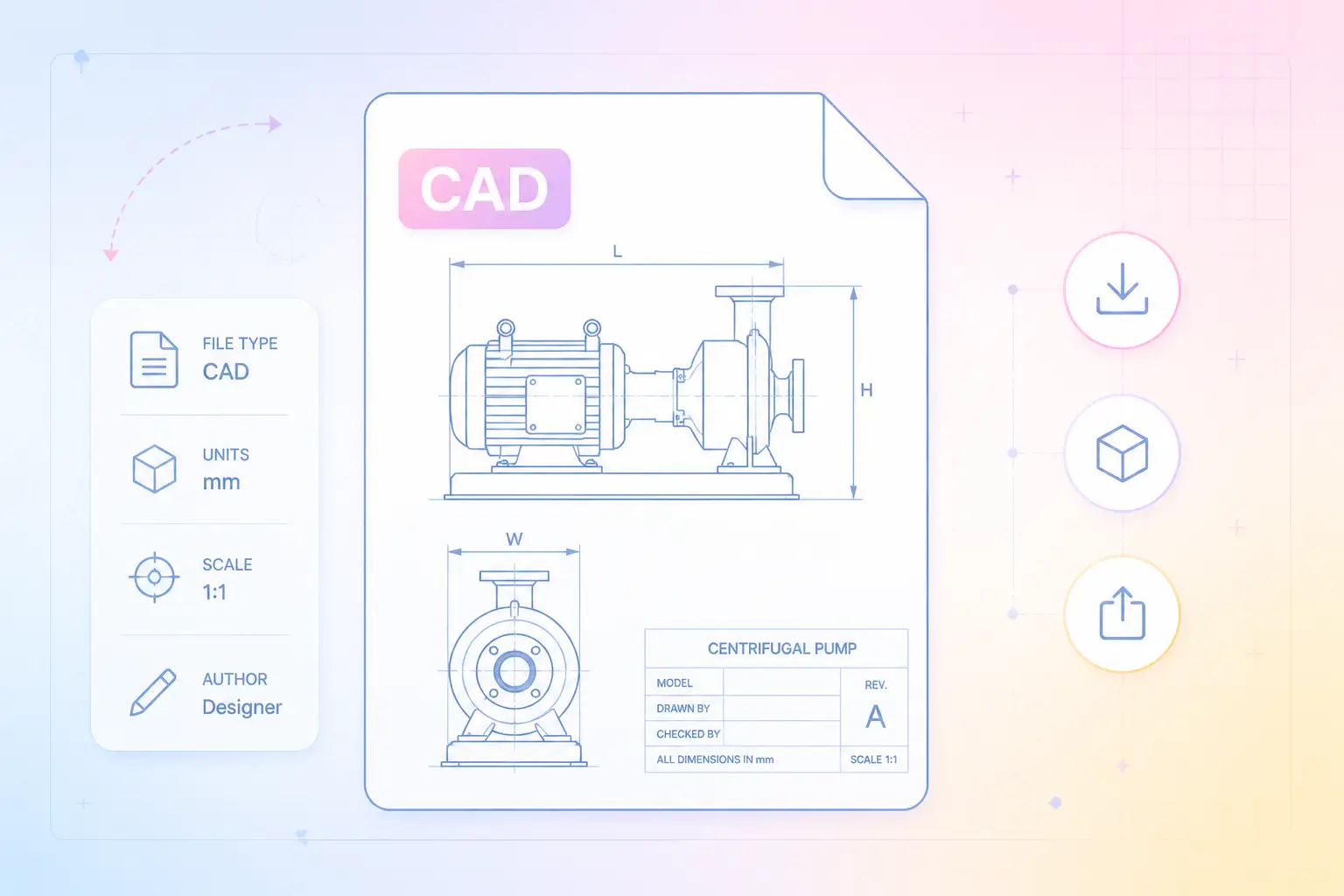
CAD File Output
CAD files generated directly from the configured product give downstream engineering and manufacturing teams the data they need to move from quote to production without re-entering specifications.
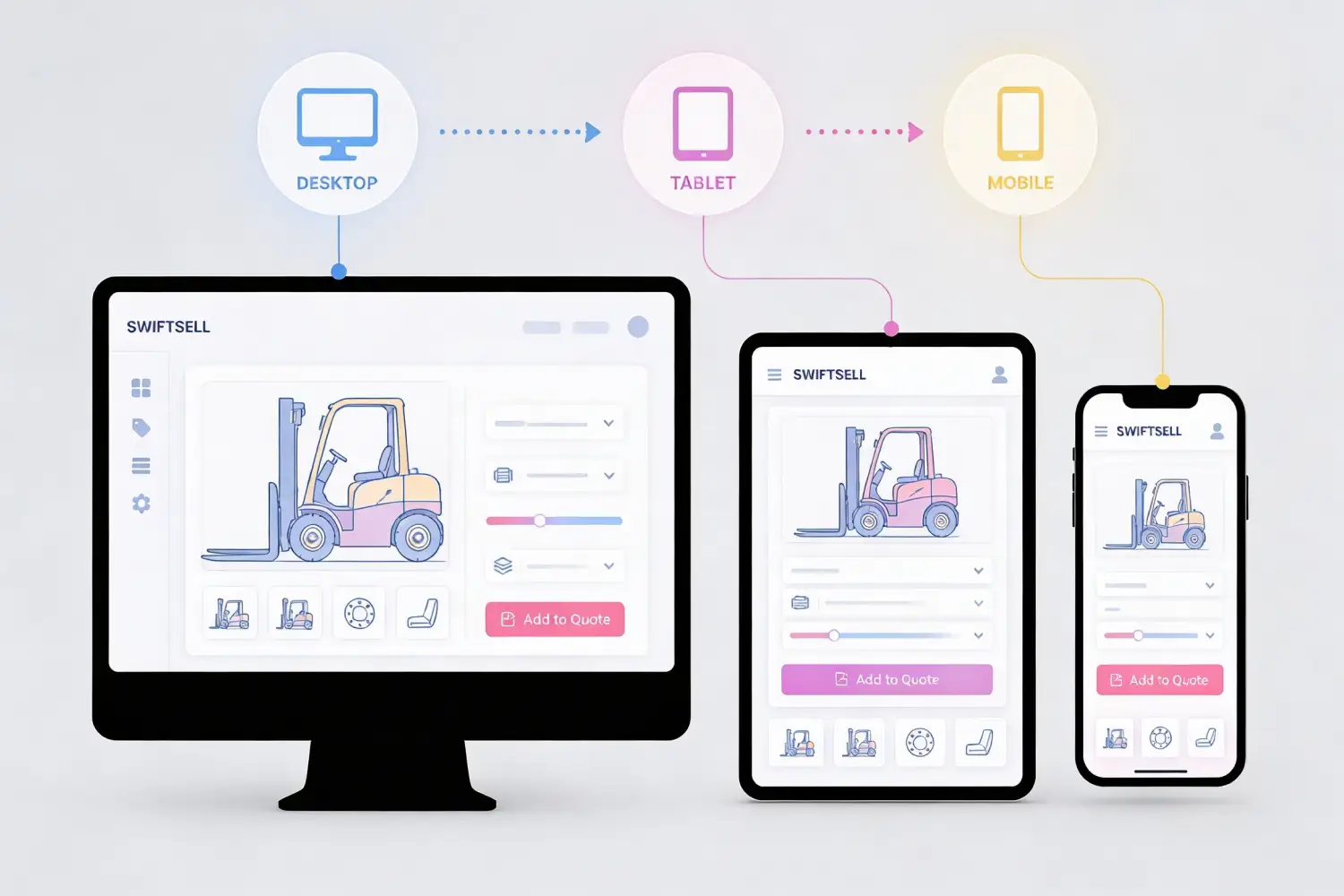
Any Device, Any Channel
Visual configuration works on desktop, tablet, and mobile. Whether a buyer is on your website, in SWIFTSELL, or working with an internal sales rep in Enterprise Quoting, the experience is consistent.

Connected to Configuration Logic
Every visual output is driven by the same rules and configuration logic that governs the quote. What the buyer sees is always valid, always accurate, and always aligned with what can actually be built.
Implemented by the Team That Knows CPQ Best.
RenaissanceTech has completed 200+ Infor CPQ go-lives with a team of 30+ in-house specialists. When we implement visual configuration for your products, every detail, from the rendering logic to the configuration rules it's connected to, is handled by our own team. No subcontractors, no hand-offs, no gaps between what the visual shows and what gets built.

Frequently Asked Questions
Common questions about 2D and 3D product visualization in Infor CPQ.
What types of visual output does Infor CPQ support?
Infor CPQ supports interactive 3D renderings, photorealistic 2D, augmented reality placement, 2D technical drawings, and 3D CAD file output (post-configuration). All visual formats are connected to the configuration engine, so they update automatically as options are selected and always reflect an accurate, buildable configuration.
Does visualization work through both SWIFTSELL and Enterprise Quoting?
Yes. Configurator-connected visual capabilities are available through both quoting platforms. Whether your buyers are configuring through SWIFTSELL's dealer portal or website configurator, or your internal sales team is working in Enterprise Quoting, the same visual engagement capabilities are accessible.
What does it take to set up 3D visualization for our products?
Setting up 3D visualization requires building or sourcing 3D models of your products and connecting them to your configuration logic within Infor CPQ. RenaissanceTech's implementation team handles that process. The effort scales with your product complexity and the number of configurable visual elements.
How does visual configuration reduce order errors?
When buyers can see exactly what they've configured before placing an order, the gap between their expectation and what gets built closes significantly. Infor CPQ customers report up to 95% fewer order errors after implementing visual configuration. The visual output is generated directly from the configuration rules, so there's no room for interpretation errors between the quote and the shop floor.
Ready to Show Buyers What They're Buying?
Talk to a RenaissanceTech specialist about adding visual configuration to your quoting process. We'll show you what 2D, 3D, and augmented reality can look like for your specific products.